When it came to the marketing materials for this module I wanted to ensure that I was effectively creating what was needed and to the best standard. I also knew there was a lot of previously constructed information that I had to take in to considering.
First of all there was the actual assignment requirements.
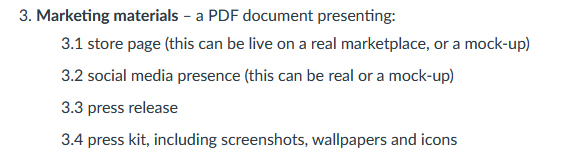
On quick analysis to me the most important aspect of this would be 3.4 press kit, in producing this content there would already be a lot of content generation for the other aspects of the criteria. The press kit would include imagery and text based elements that I would be able to repurpose into the other aspects of the criteria.
The next thing I knew I already had was the business plan and its Marketing section. I had created some detailed elements for this which included a style guide for the marketing materials. Of course at the time of writing the marketing plan I did not really put enough time into the branding of the game and have done since so there is a little alteration that has taken place here in the development of this work.
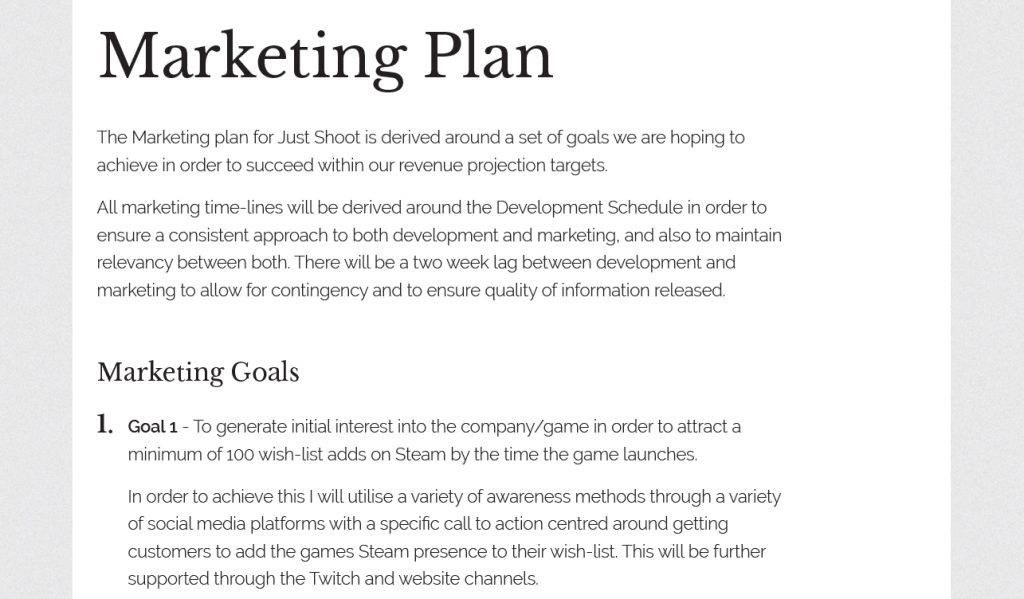
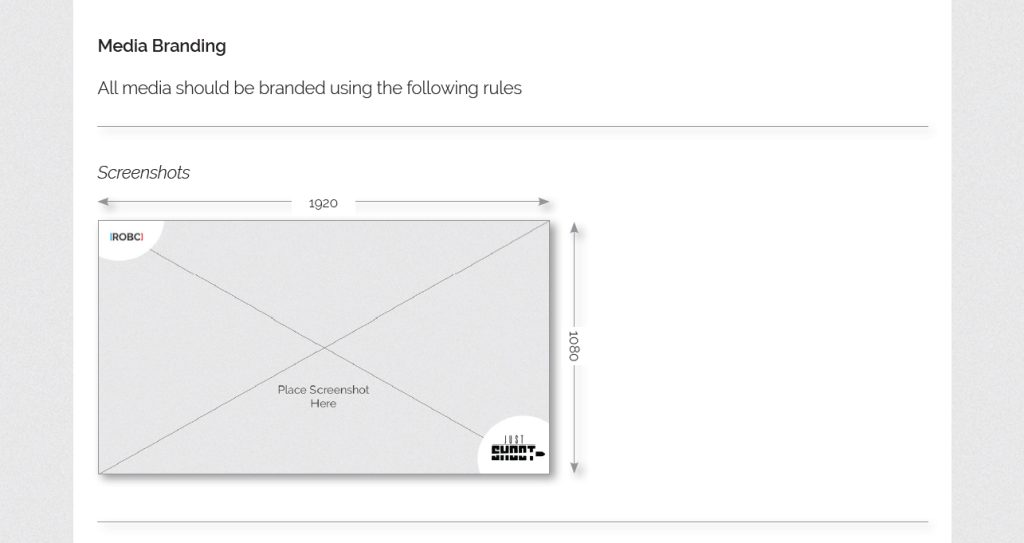
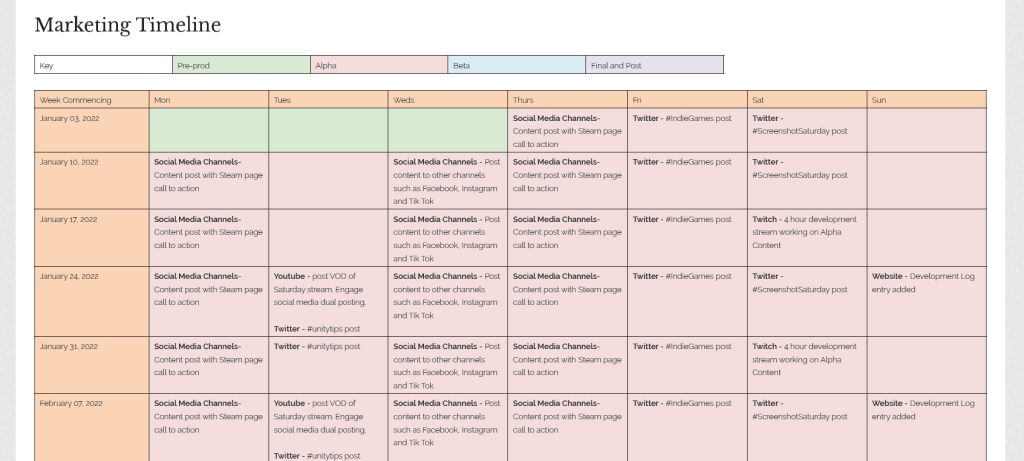
So even though some things were going to change slightly I had a set of rules to follow for creating some of the aspects. And I knew I wanted to start with the Press Kit and was also aware of Ismail’s (n,d) DoPresskit app that allows you to create a a press kit website quickly and simply with a small php script and a web server. Thankfully I have a web server so I was able to quickly get this installed and it allowed me to concentrate on the specific aspects of content.
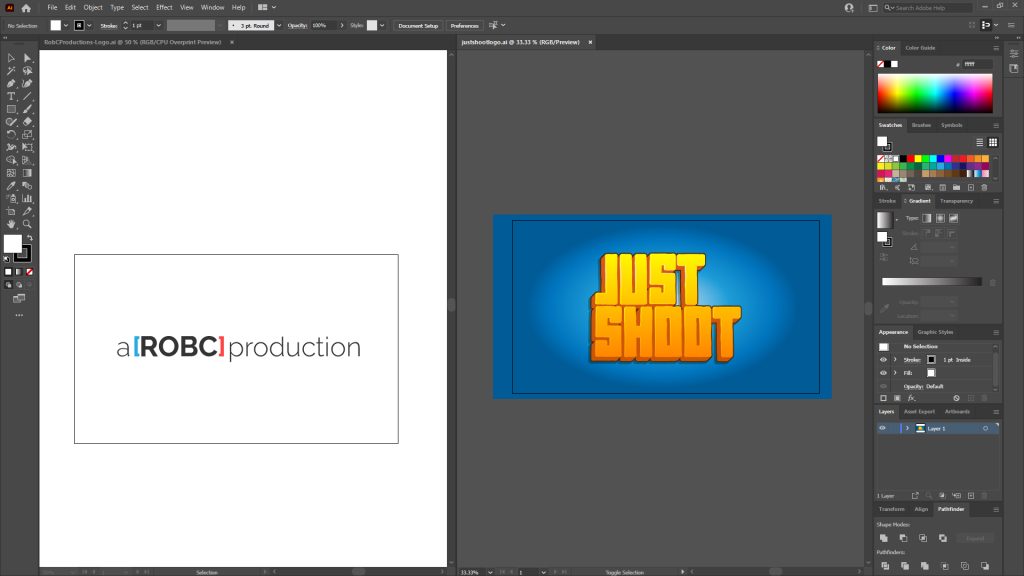
The first things to create were the logos. This was simple because I had developed these previously and also during the creation of the prototype.
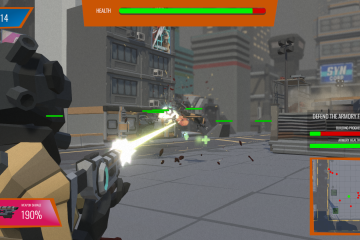
Next was to create the screenshots, now I knew I wanted to take some basic game play screenshots to use across the different aspects but I also wanted to create some more marketing based ones so I searched out to find just what was the best way to do this. I found a great article by Najda (2019) that details a lot of the things you need to considering when taking screenshots such as Rule of Thirds, Point of Interest and creation of movement.
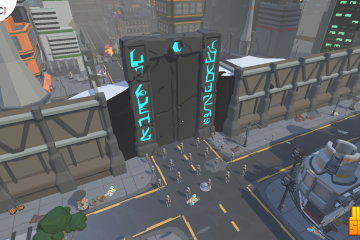
I also stumbled across an article by Volynskov (2014) that described a good practice was to create a screenshot mechanic within your game, he describes it use to add multiple benefits to your process and it was something I decided I would utilise. So I duplicated the game scene in Unity and went about setting up some specific shots I could take, with specific lighting in them, in order to best show off the game, while also considering aspects such as Rule of Thirds etc. I could then produce builds of the game that switched from camera to camera in order to take some nice full screen shots of the game.
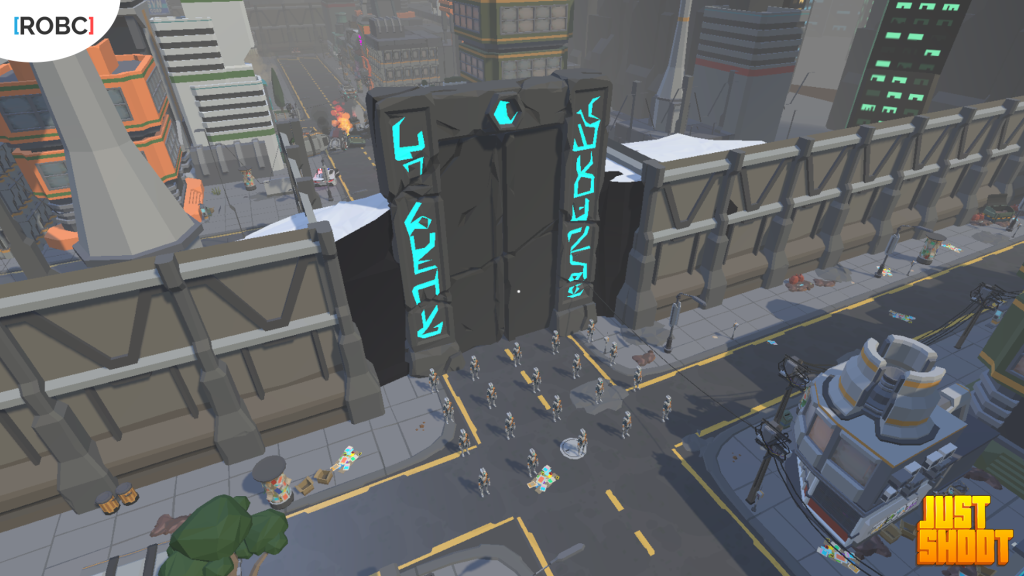
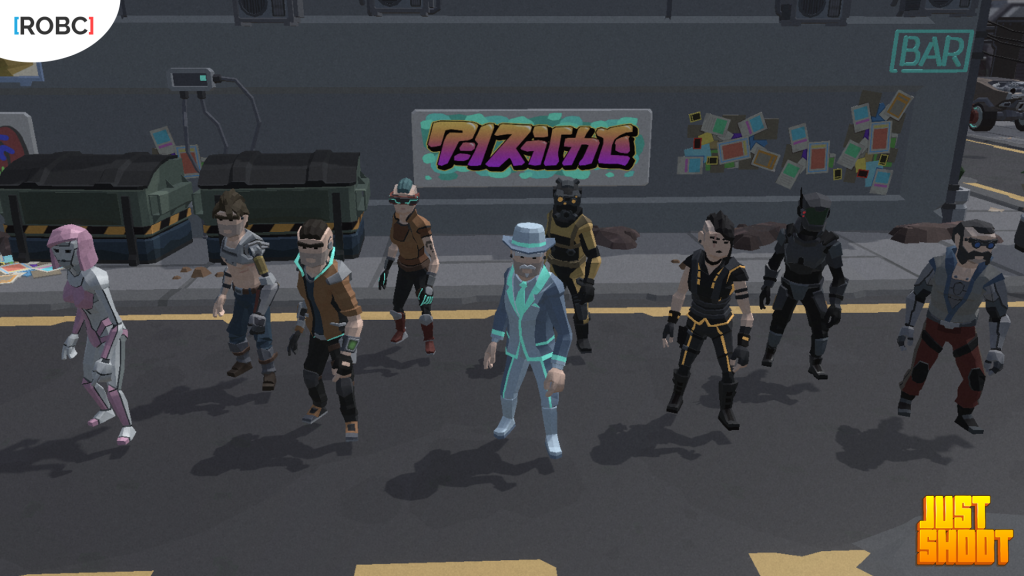
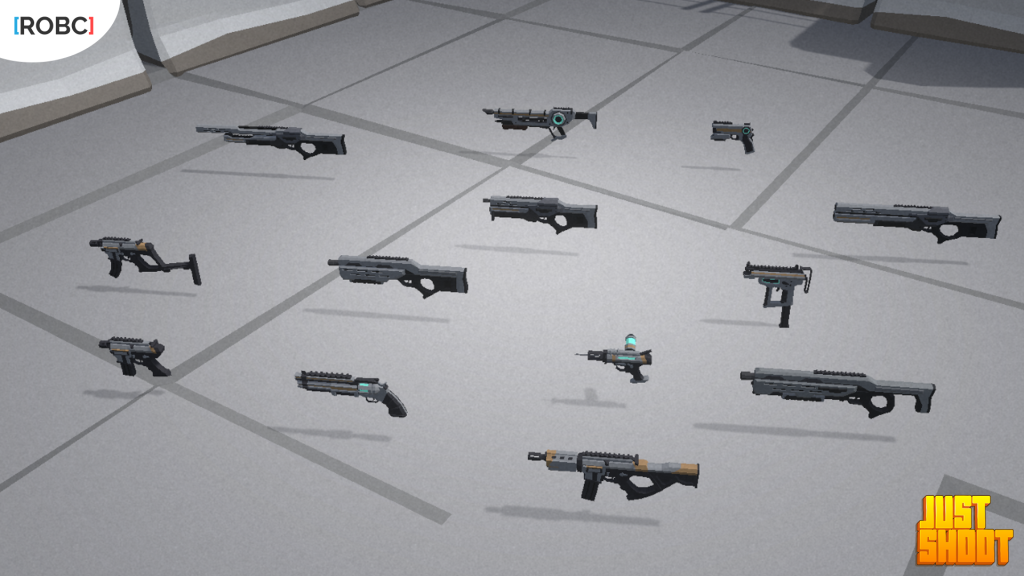
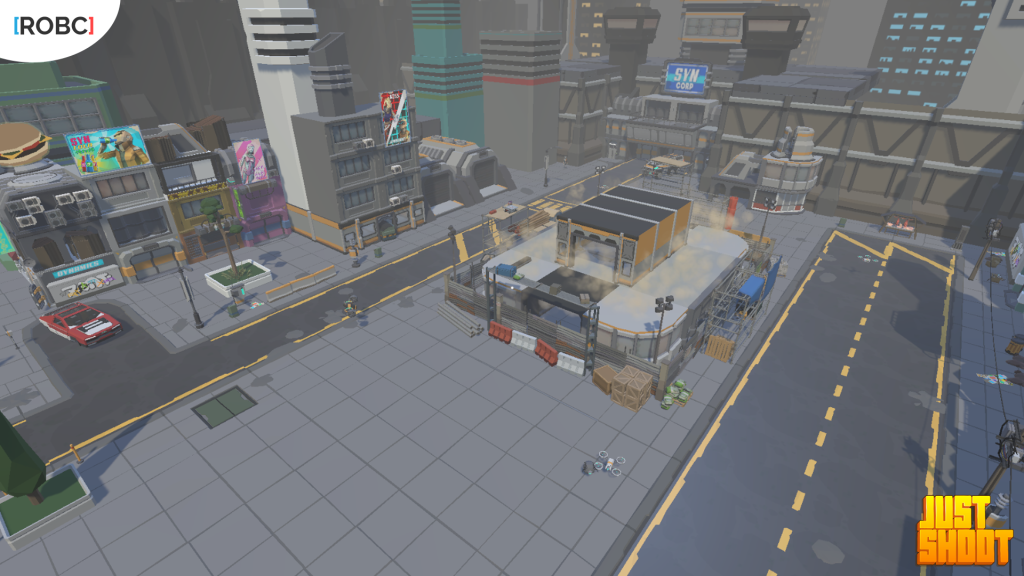
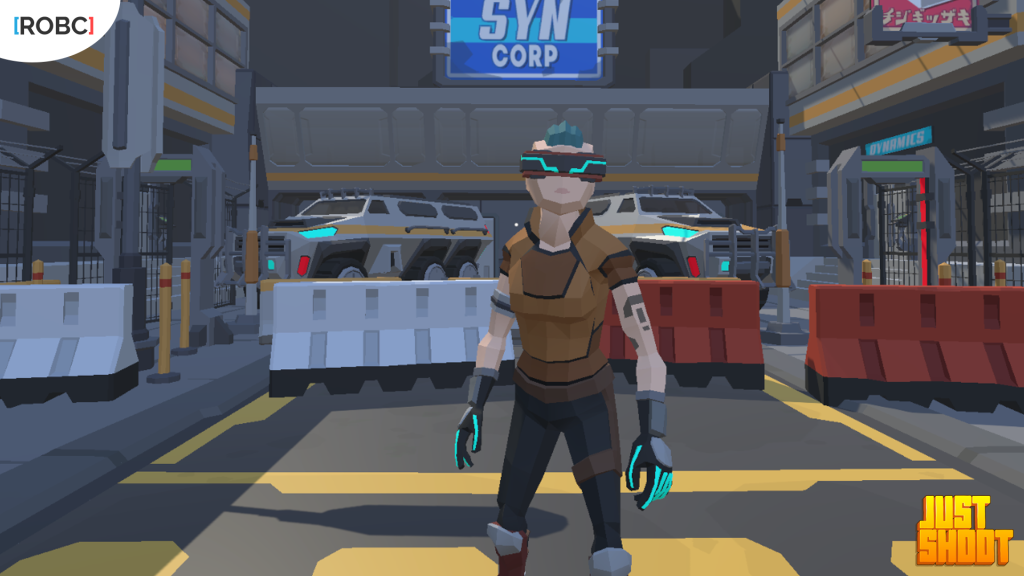
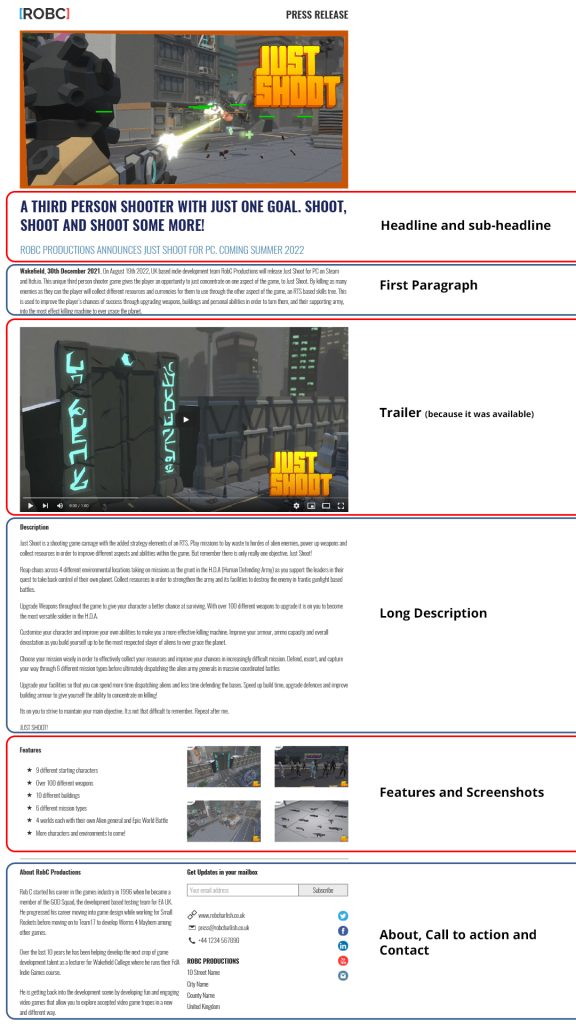
So with these shots and some from the game play I had a full collection of screenshots I could use for my press kit. Next up was to create the game description text, and this is where I spotted some more crossover between another aspect of the assignment. The press release would be something I would need to create and would ultimately need to contain elements such as the game descriptions, so I switched my focus towards creating the press release next. I knew at this point I needed to do a little research in to this process as it has been a long time since I last did this.
I found 3 great articles on how to write an effective press release that gave me a lot of knowledge about the process. Paek (2018) maps out a nice flow for the format of the press release.
- Headline and sub-headline
- First Paragraph introducing your indie game
- Long Description that expands on your intro
- Features of your indie game
- A little about your game dev studio
- Assets/Press Kit/Extras
- Contact
Paek goes on to detail each of these sections in a great way but she does stress “If your press release is full of typos, formatting errors, or if it doesn’t properly showcase your game, it is almost guaranteed to be ignored”, something I got caught out on and had to re-export my press release after I had done it.
Marsden (2018) also highlighted a valid aspect of the press release in that “No one pays attention to news that isn’t new or interesting. This is especially true for journalists. So without an interesting “story angle” you can take when announcing your news, no one’s going to pay attention to yours either”. Now while I agree with this looking at Just Shoot I really only have the one USP to highlight, the fact that you just shoot. So I made sure to make this the focus of the press release.
Dołżycka (2017) made the point “make the journalist’s life easier! Don’t make them retype information from PDF files, don’t use HTML tags in the text” which I found strange considering when I researched example of press releases from existing companies I found them all to be highly formatted as seen from Prezly.com (n,d).
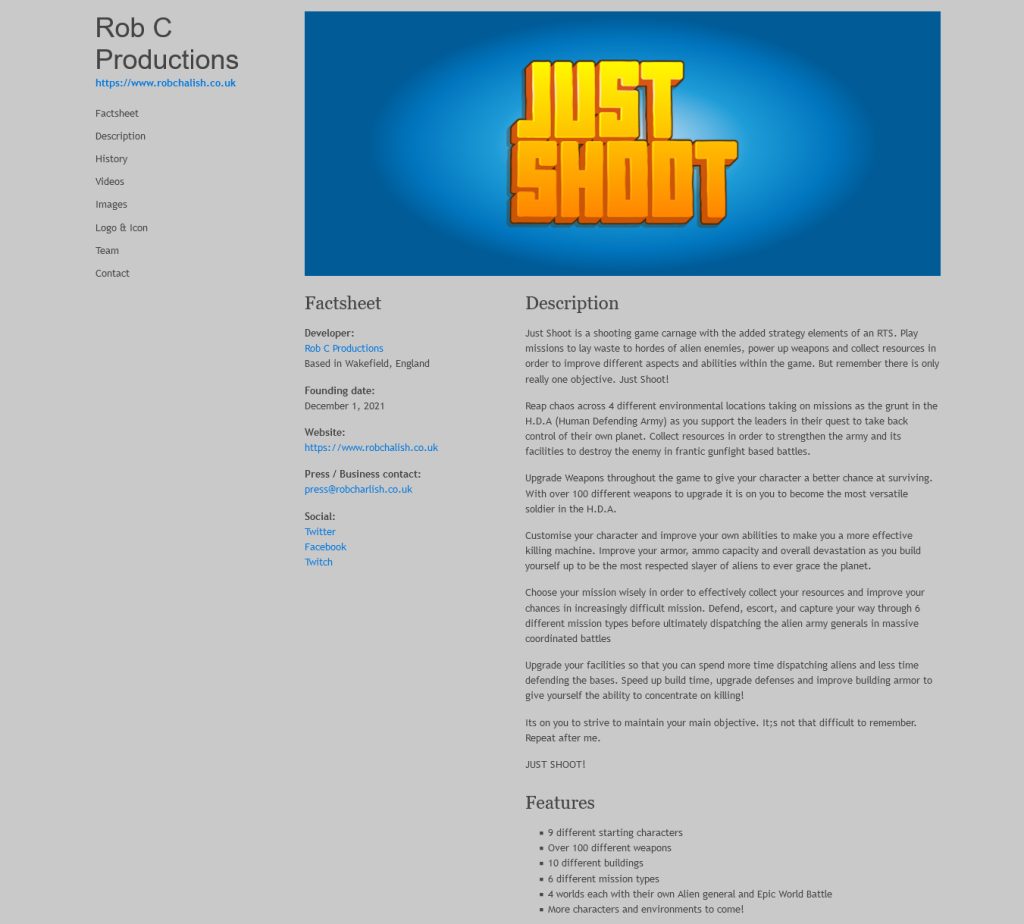
So with all this information in hand I created my press release document, using InDesign, and therefore created the description content for my press kit, as well as some of the studio history.
The last thing the press kit now needed was links to the social media channels. I had detailed these within my business plan and had already set them up so they were ready to be used at the time of writing. So I added in these links and, after a little wrangling with php in order to customise the site a little bit, ended up with my finished press kit.
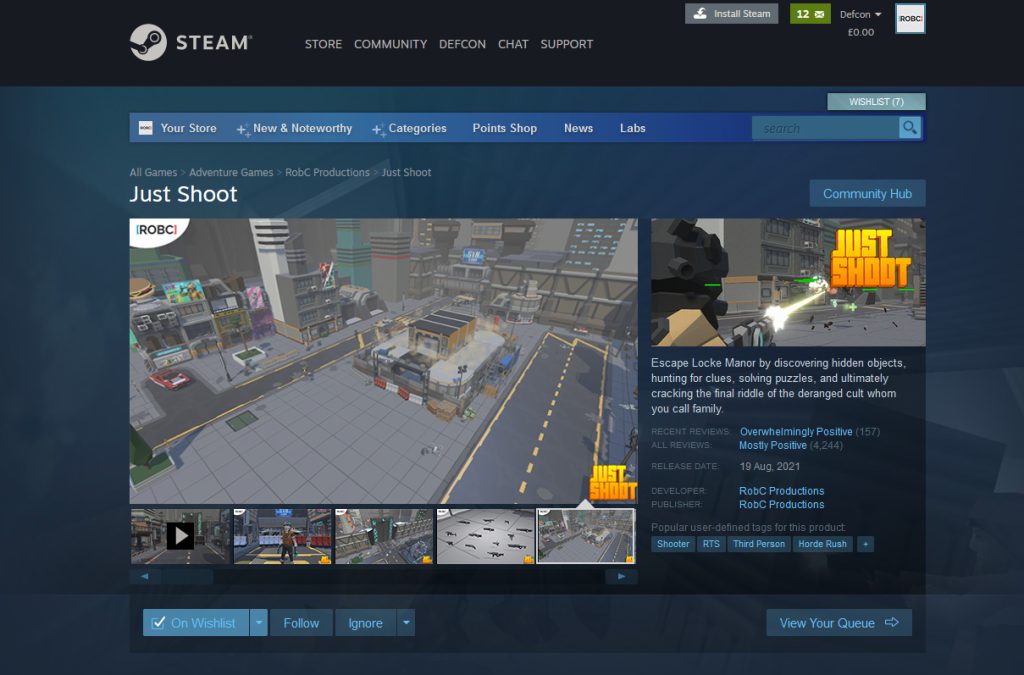
Now that I had a lot of the assets and text done I chose to move on to the Steam page aspect of the marketing materials. I had previously taken an online course by Zukowski (n.d) that gave me a good insight in to how people browser a Steam page and some of the best practices to apply when making your content. Obviously I wanted the trailer on there as the first aspect of the site, along with a lot of the screenshots for the game, I wanted to make sure the marketing screen shots came before the game play ones as these screenshots would be the ones viewable within the page on first load.
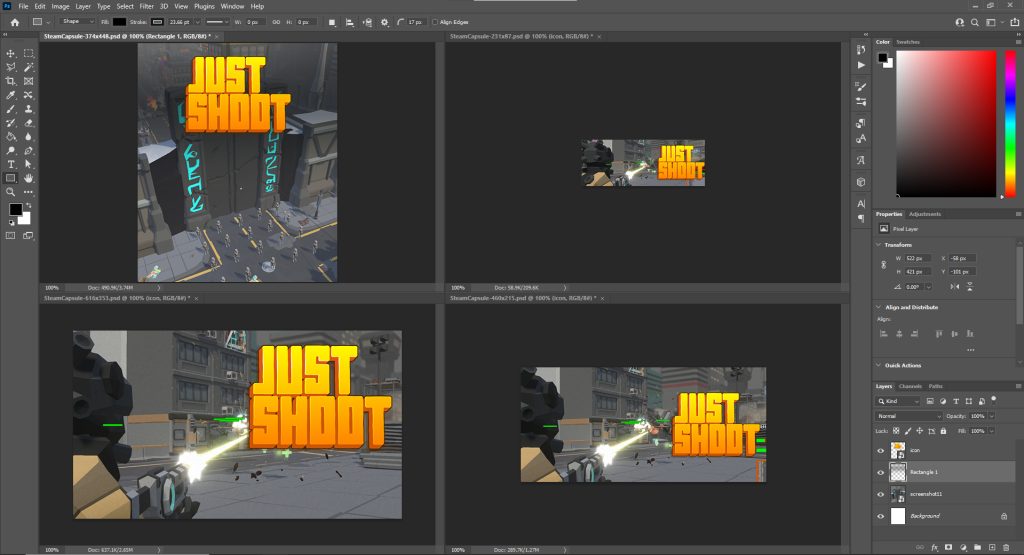
The next task was to design the capsule for the game. Documentation on the Steamworks website details the different types of capsule that you will require.
- Header Capsule – 460px x 215px – Just your game logo and artwork
- Small Capsule – 231px x 87px – Just your game logo and artwork
- Main Capsule – 616px x 353px – Just your game logo and artwork
- Hero Capsule – 374px x 448px – Just your game logo and artwork
I was able to find a useful article by Beleanina (2021) that details several aspects that you need to take in to account when creating your capsules. The most important seems to ensure that your logo is readable at all sizes. There also seems to be several trends that can be attributes to capsule creations, Zukowski (2020) details these in his post Trends for Steam Capsule Design where he notes that centered text seems to be the common approach. With all of this information in hand I decided to break from the norm and offset my logo and add in some game play aspects to finish off the capsule. I did have to change it slightly for the Hero Capsule as the original background did not seem to work but I have always liked the shot of The Door so I chose to use that instead.
The only other new content I needed to create for the Steam page was to create some animated gifs to be used within the text description to give the reader some more visual prompts to aid in the description. I decided to focus on the game play, the character customisation and the building aspects of the game so created some gifs that could be used to split up the text and highlight these areas.
Once I had this done the last thing I needed to do was actually create the page. Thankfully a fellow student, Uys (2021), had create a nice extraction of an existing Steam page that you could easily edit that he had made available to all of us. So I utilised this and uploaded it to my web server.
The last aspect to now work on was the content for the social media channels. I decided to focus first on Twitter as it is the one that I utilise most. I put together a set of tweets based off my plan within the marketing section of my business plan. I wanted to ensure that I was using as much visual content as possible, with videos where possible, and engaging with specific hashtags that I had identified within my strategies.
Once I had created the content for Twitter I was able to duplicate it across both Facebook and Instagram, and finally set up the Twitch channel ready for any streamed game content creations.
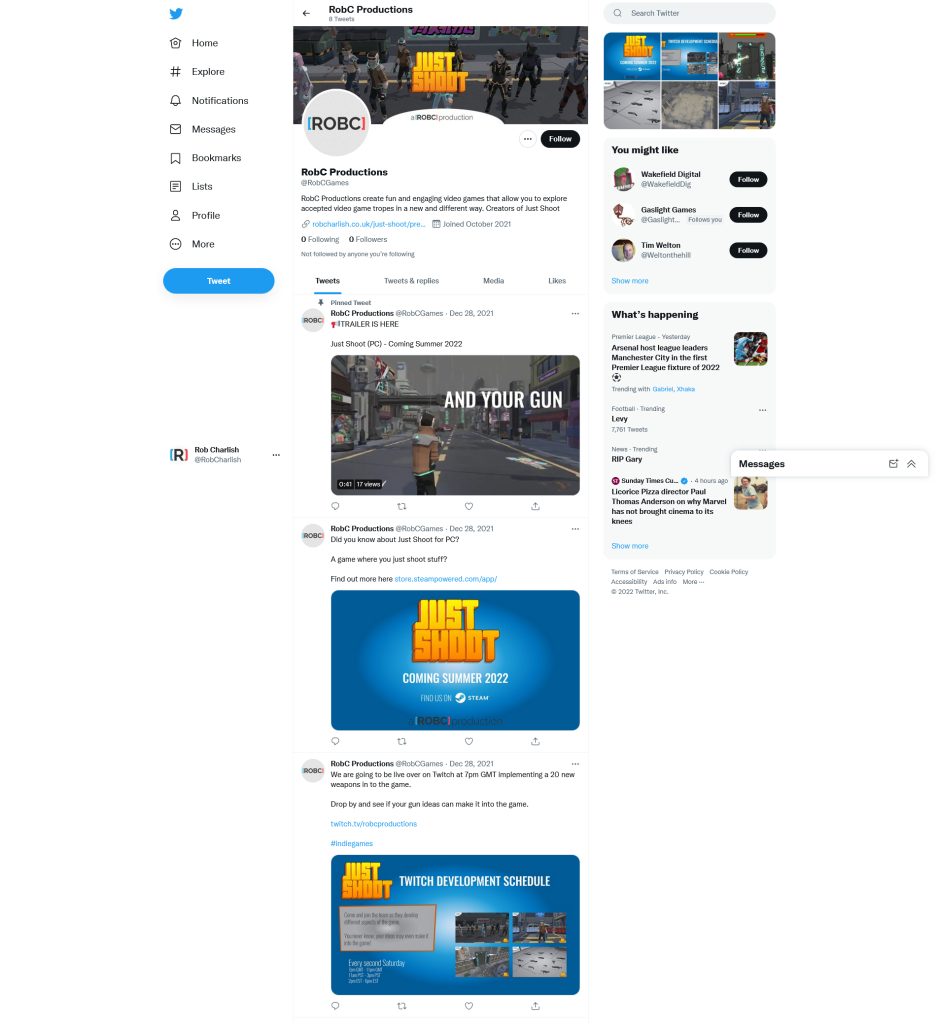
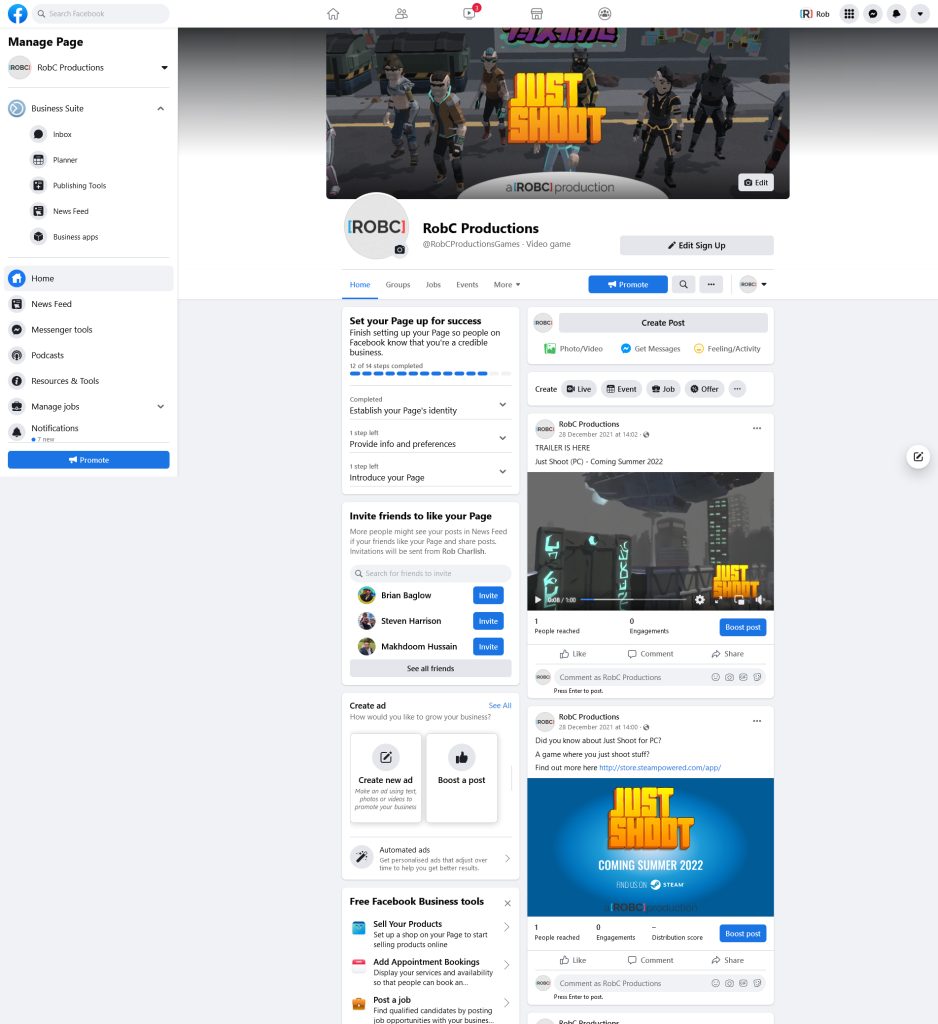
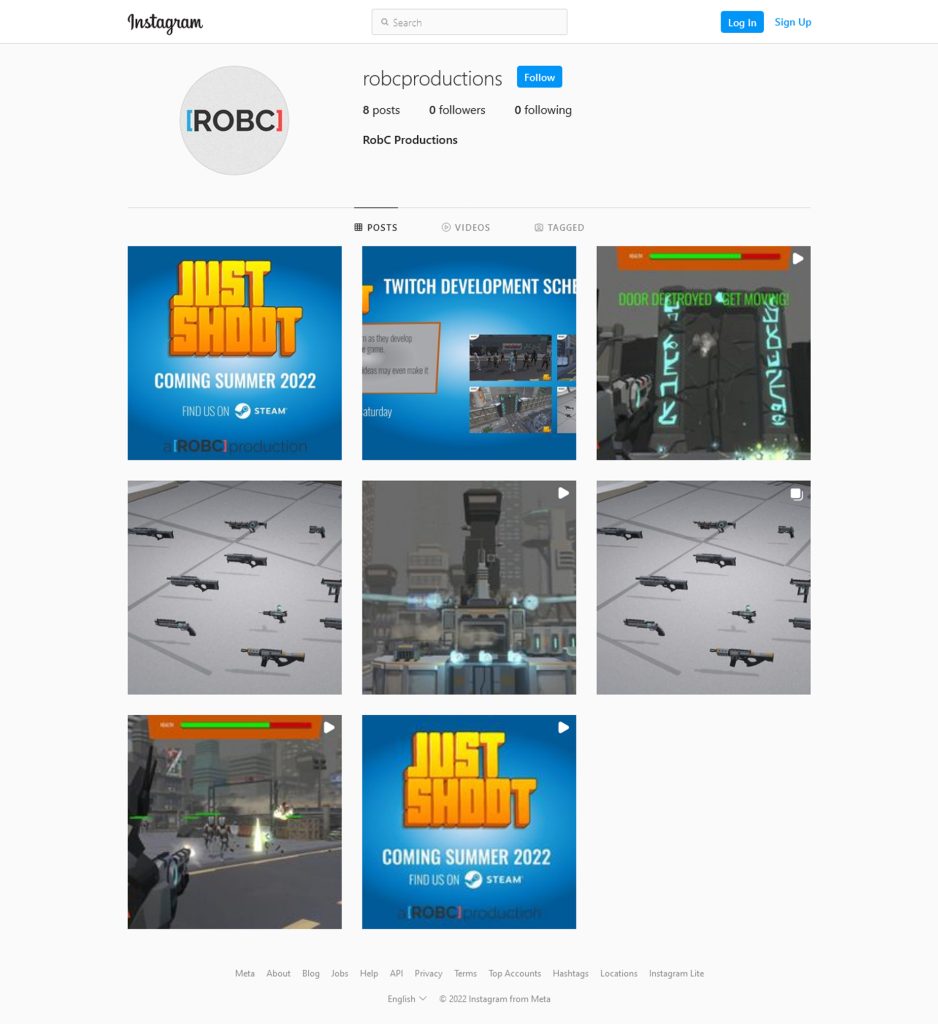
The links for these sites are as follows.
- Twitter – https://twitter.com/RobCGames
- Facebook – https://www.facebook.com/RobCProductionsGames
- Instagram – https://www.instagram.com/robcproductions/
- Twitch – https://www.twitch.tv/robcproductions/about
And with that I was done with creating the marketing materials.
References
Beleanina, T., 2021. Designing Marketable Indie Game Capsule Art for Steam (and other platforms!) – Game If You Are. [online] Game If You Are – The indie game marketing agency. Available at: <https://gameifyouare.com/2021/05/18/designing-marketable-indie-game-capsule-art-for-steam-and-other-platforms/> [Accessed 28th December 2021].
Dołżycka, N., 2017. How to write an effective press release: a complete game developer’s guide. [online] Medium. Available at: <https://medium.com/@ndolzycka/how-to-write-an-effective-press-release-a-complete-game-developers-guide-4d2ab183f199> [Accessed 28th December 2021].
Ismail, R., n.d. presskit() – spend time making games, not press. [online] Dopresskit.com. Available at: <https://dopresskit.com/> [Accessed 2 January 2022].
Marsden, A., 2018. The Last “How To Write A Game Dev Press Release” Post You’ll Ever Need. [online] Medium. Available at: <https://medium.com/powerspike/the-last-how-to-write-a-game-dev-press-release-post-youll-ever-need-796aab9d7848> [Accessed 28th December 2021 ].
Najda, N., 2019. A Guide to Taking the Perfect Screenshot in Your Favorite Video Games. [online] The Escapist. Available at: <https://www.escapistmagazine.com/a-guide-to-taking-the-perfect-screenshot-in-your-favorite-video-games/> [Accessed 28th December 2021].
Paek, J., 2018. Writing an Effective Press Release for an Indie Game –. [online] Indieboost.com. Available at: <https://indieboost.com/blog/writing-an-effective-press-release-for-an-indie-game/> [Accessed 28th December 2021].
Partner.steamgames.com. 2022. Graphical Assets – Overview (Steamworks Documentation). [online] Available at: <https://partner.steamgames.com/doc/store/assets> [Accessed 2 January 2022].
Prezly.com. n.d. Gaming Press Release Examples. [online] Available at: <https://www.prezly.com/press-release-examples/gaming> [Accessed 28th December 2021].
Uys, J., 2021. GitHub – juanuys/fake-steam-page: Fake Steam page for a fake game.. [online] GitHub. Available at: <https://github.com/juanuys/fake-steam-page> [Accessed 2 January 2022].
Volynskov, A., 2014. 6 Simple Things You Can Do to Improve Your Screenshots. [online] Game Development Envato Tuts+. Available at: <https://gamedevelopment.tutsplus.com/tutorials/6-simple-things-you-can-do-to-improve-your-screenshots–gamedev-14272> [Accessed 28th December 2021].
Zukowski, C., n.d. How To Make A Steam Page. [online] Progamemarketing.com. Available at: <https://www.progamemarketing.com/p/howtomakeasteampage> [Accessed 28th December 2021 ].
Zukowski, C., 2020. Trends for Steam Capsule Design – How To Market A Game. [online] Howtomarketagame.com. Available at: <https://howtomarketagame.com/2020/10/28/trends-for-steam-capsule-design/> [Accessed 2 January 2022].
Figures
Featured Image: Charlish, R (2021) ‘Press Kit Screenshot’ Created on 30th December 2021
Figure 1: Charlish, R (2021) ‘Assignment requirements for the marketing materials aspects taken from the Assignment Brief on Falmouth Canvas’ Created on 30th December 2021
Figure 2: Charlish, R (2021) ‘Aspects of the Marketing section of the Business Plan. Created on 30th December 2021
Figure 3: Charlish, R (2022) ‘The Game and Company logos in lllustrator. Created on 2nd January 2022
Figure 4: Charlish, R (2021) ‘The marketing based screenshots for the game. Created on 28th January 2021
Figure 5: Charlish, R (2022) ‘Press release with parts labelled’ Created on 2nd January 2022
Figure 6: Charlish, R (2022) ‘Final press kit’ Created on 2nd January 2022
Figure 7: Charlish, R (2022) ‘Capsules in Photoshop’ Created on 2nd January 2022
Figure 8: Charlish, R (2022) ‘Final Steam page’ Created on 2nd January 2022
Figure 9: Charlish, R (2022) ‘Various social media channels’ Created on 2nd January 2022